Product tutorials3 minute read
How “View in your room” works
The path from a product page to a piece standing in the shopper own space.
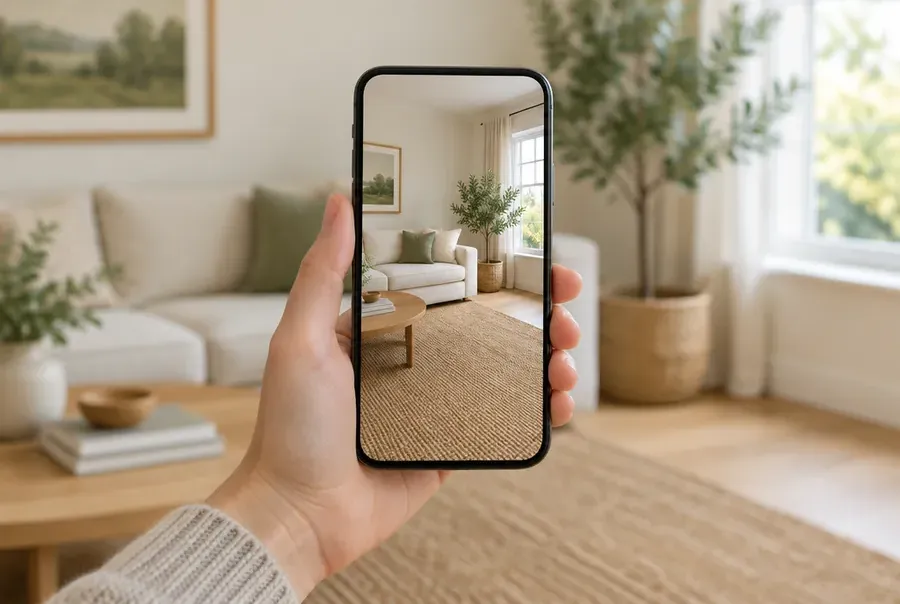
The shopper supplies a room
A photograph of the space, taken on the phone already in their hand. There is nothing to install and no app store to visit. It runs in a modern phone browser.
The room is measured
Where the experience needs real dimensions, a short pass on the camera returns a measured plan: room type, width, length, floor area, wall lines, doors and windows.
That plan is what every later decision is checked against.
The piece is placed
Your catalog imagery is composed into the shopper photograph at the size the measurements imply. Where a full room is being completed, each placement is checked before it is shown: pieces may not overlap each other, stand on floor that is not free, or block the swing of a door, and tall pieces stay clear of windows.
The shopper decides
The result is their own room with your furniture in it, not a showroom they have to translate. Everything they keep goes to your existing checkout as one order.